VPN Tube PRO — the ad-free VPN for Android
Free for 3 days, then $4.99/month or $47.99/year on Google Play, renewing automatically until you cancel
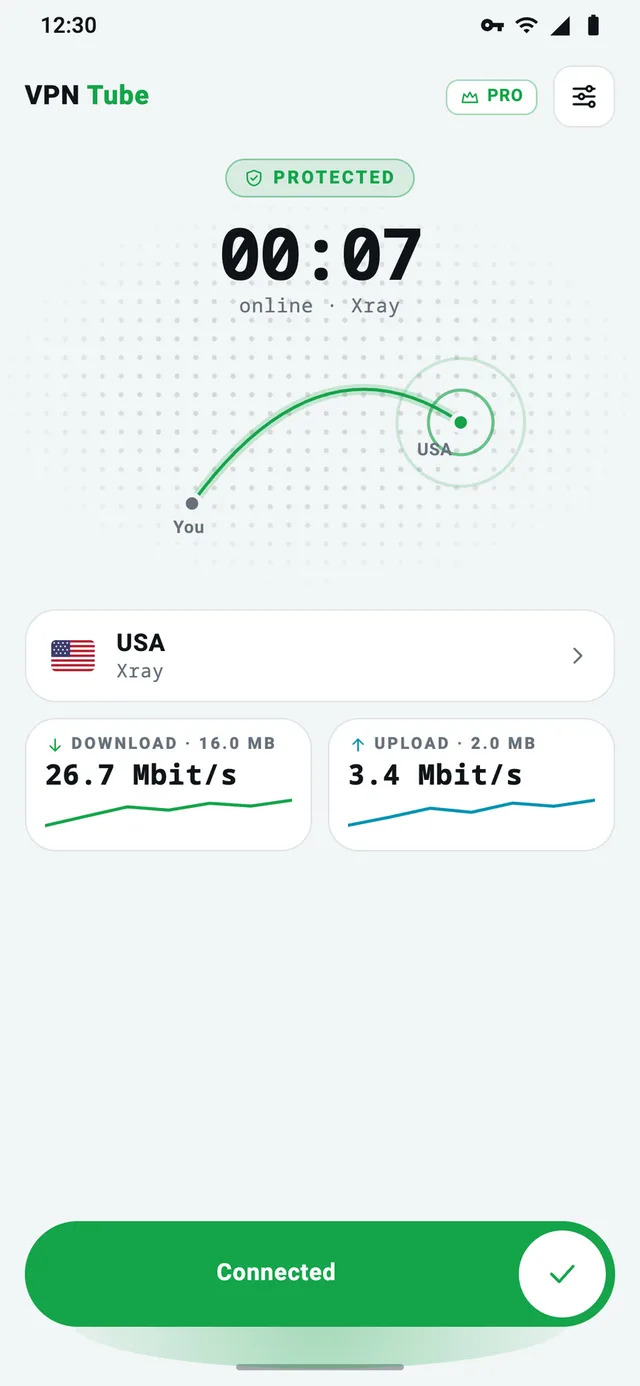
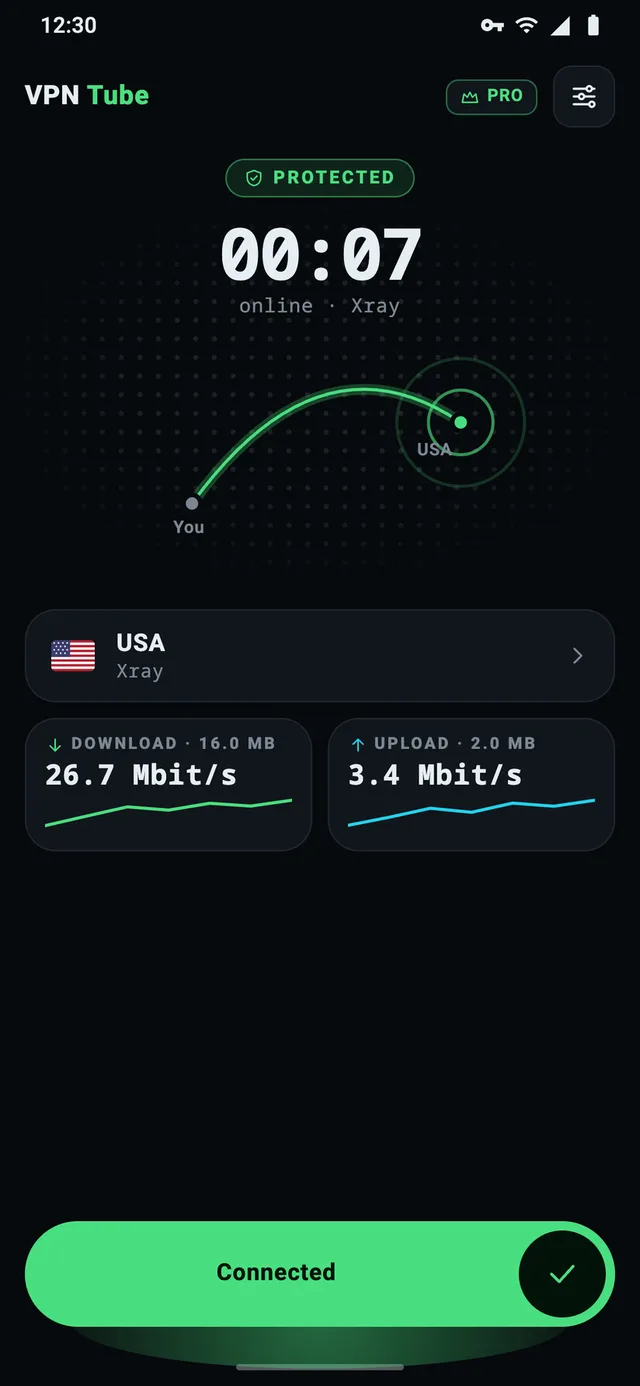
Everything from the free app, minus the interruptions
No ads, no limits
No banners, no full-screen ads, no countdown. Stay connected as long as you need.
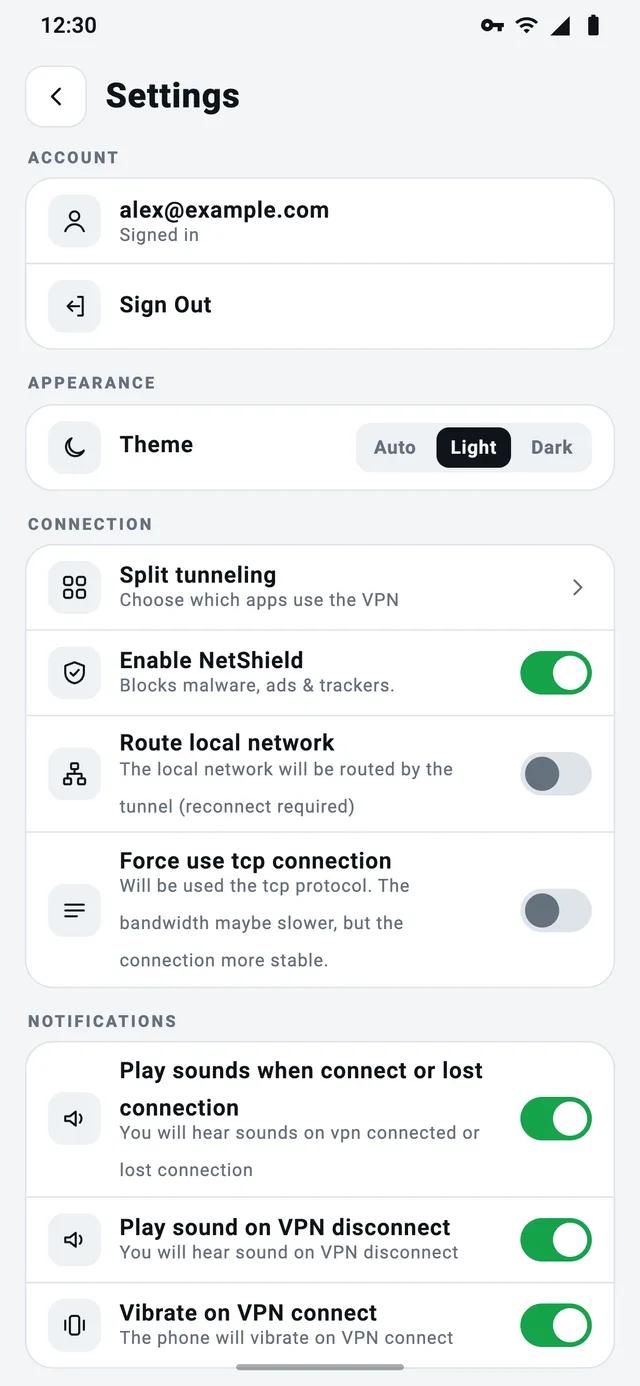
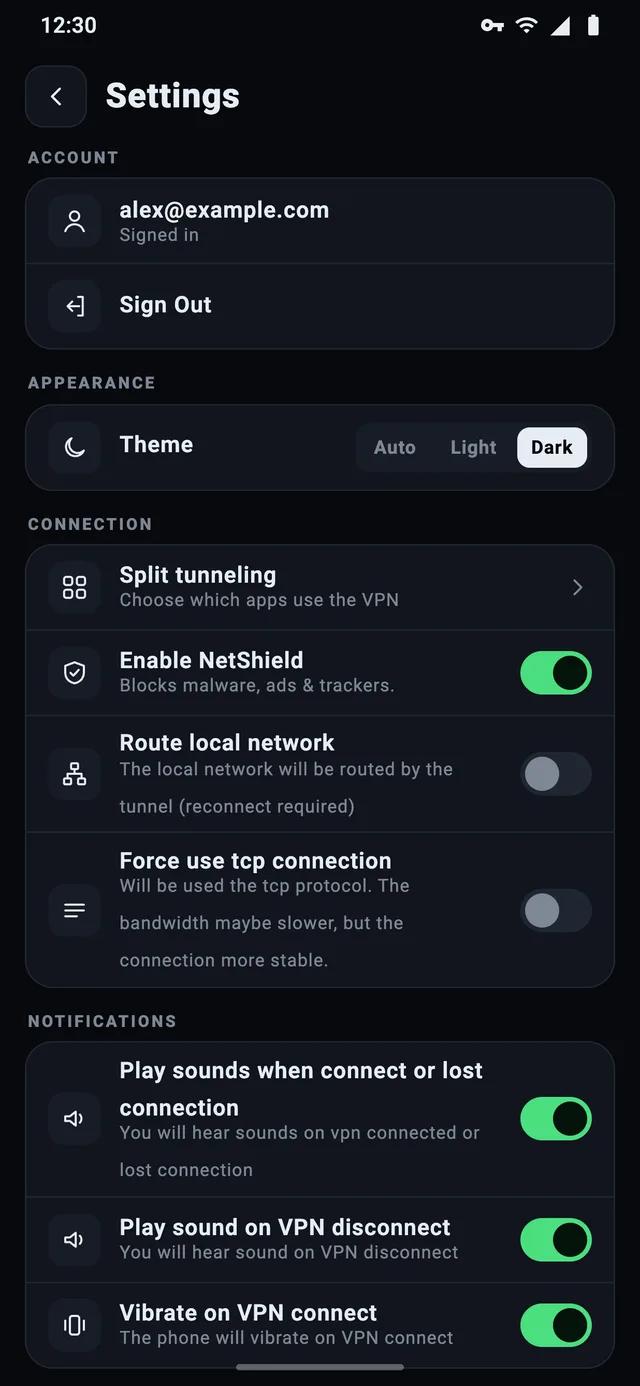
NetShield
Blocks ads, trackers and malicious sites for every app on your phone, using our own filtering DNS server built on AdGuard DNS. Off by default — turn it on in Settings.
Up to 5 devices
Your phone, tablet and family on one subscription. Each device joins with a 6-digit code from the owner’s account.
No ad SDK
No ads means no advertising SDK. Google Play Data safety: no data collected. With an account for several devices we keep only your email and your list of devices.
Pick monthly or yearly

VPN Tube
★ 4.2 on Google Play · 36,835 ratings
Supported by ads
- Up to 1 hour or 1 GB per connection — reconnect and it starts over
- Extra time or traffic for watching a short ad
- No registration, no login
- Split tunneling, DNS and IPv6 inside the tunnel
- No browsing logs

VPN Tube PRO
★ 4.1 on Google Play · 499 ratings
$47.99 billed once a year
3-day free trial on both plans · then renews automatically until you cancel
- No ads, no time or traffic limits
- NetShield: blocks ads, trackers and malicious sites
- Up to 5 devices — add them with a code
- No account needed to buy
- No ad SDK inside
Using PRO on up to 5 devices
- 1Install VPN Tube PRO and subscribe through Google Play — the first 3 days are free. No account is needed on this device.
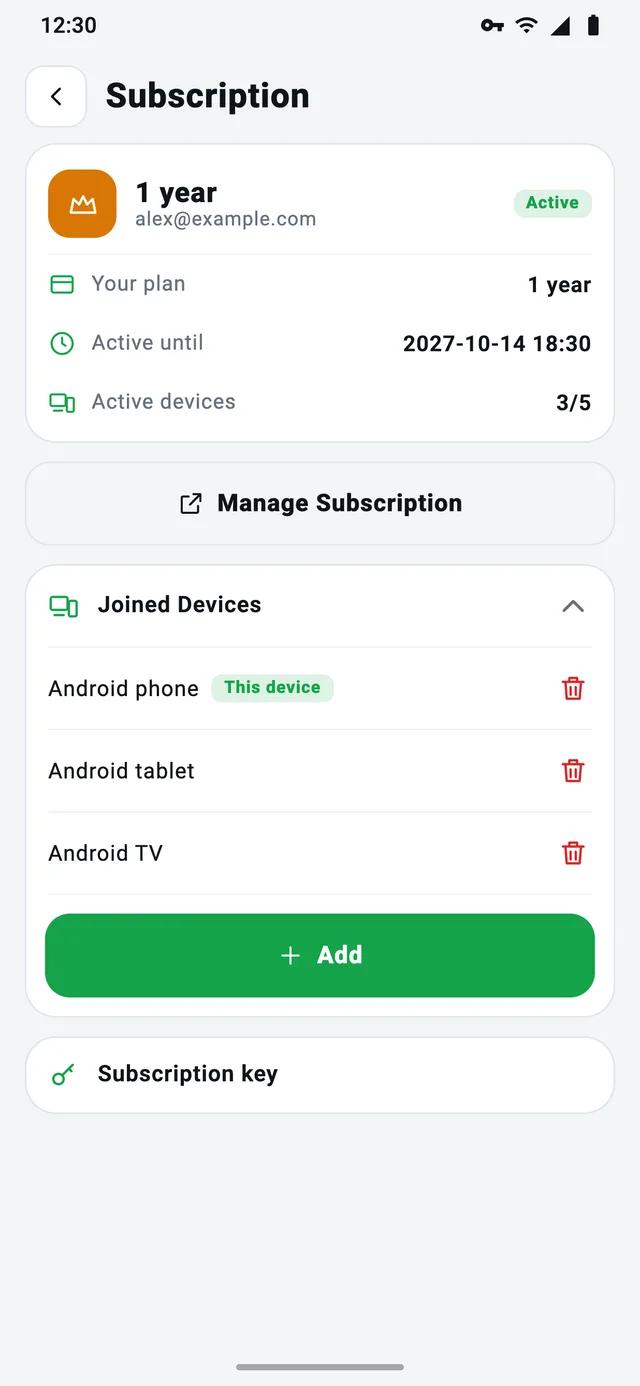
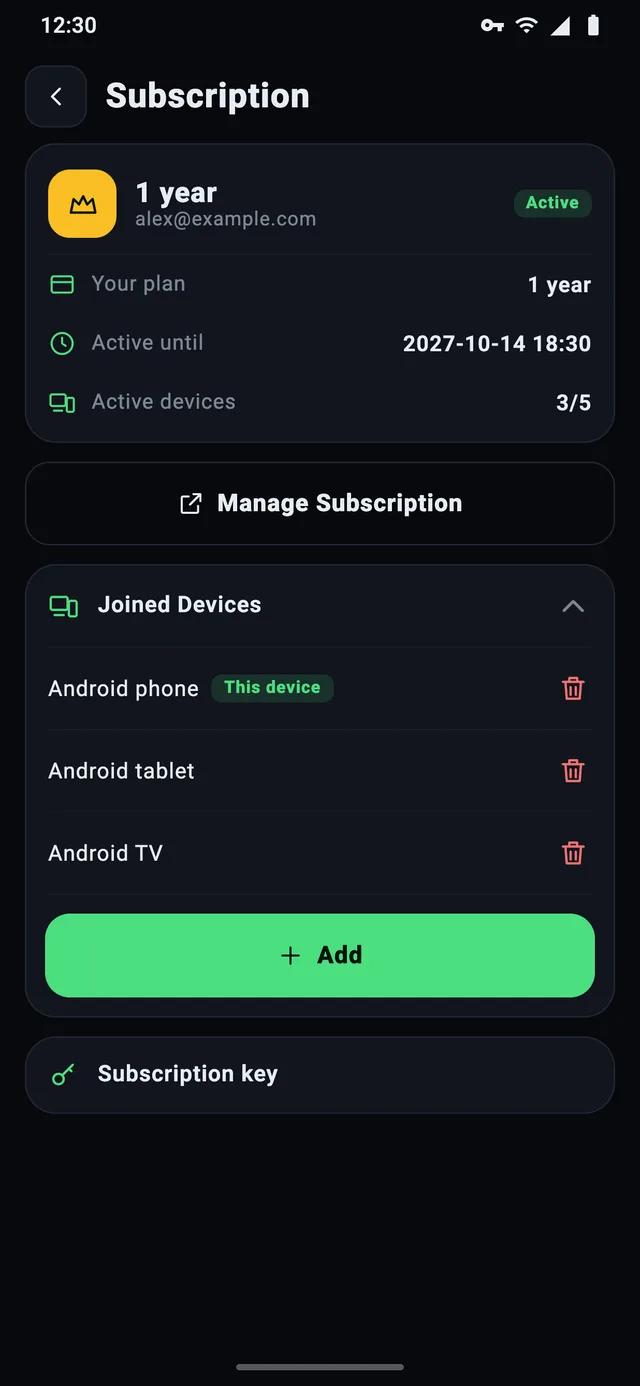
- 2To share the subscription, create a VPN Tube PRO account (email), open Subscription and tap Add to get a 6-digit code.
- 3On the other device, install VPN Tube PRO, open Subscription → Join Device and enter the code — no sign-up there. Manage devices in the app or at my.vpn-tube.com.
How to cancel
- 1Open Google Play and tap your profile picture.
- 2Go to Payments & subscriptions → Subscriptions.
- 3Choose VPN Tube PRO and tap Cancel subscription.
In the app, Manage Subscription opens the same page in Google Play. PRO keeps working until the end of the paid period; uninstalling doesn’t cancel it. Paid on the website (Stripe)? Manage it at my.vpn-tube.com. New phone or reinstall? Tap Restore Sub in the app.
| Feature | VPN Tube | PRO |
|---|---|---|
| Price | Free | $4.99/mo or $47.99/yr |
| Free trial | — | 3 days |
| Ads | Yes — they keep it free | None |
| Time and traffic | Up to 1 hour or 1 GB per connection; more for an ad | Unlimited |
| Registration | Not needed — no login | Only for 2+ devices |
| Devices | Any device you install it on | Up to 5, added by code |
| Data collected | Only by the ad SDK | None without an account; email only for 2+ devices |
| NetShield (ads, trackers, malware) | — | Yes |
| Encryption (Xray + VPT) | Yes | Yes |
| DNS and IPv6 inside the tunnel | Yes | Yes |
| Split tunneling | Yes | Yes |
Free or PRO?
Three quick questions.
Question 1 of 3
How often will you use the VPN?
Questions, answered
The short answers people look for before installing.
How much does VPN Tube PRO cost?
$4.99 a month, or $47.99 a year (about $3.99 a month). Both plans start with a 3-day free trial; after it, the subscription renews automatically until you cancel. The subscription is billed through Google Play; prices in your country may differ.
Is there a free trial of VPN Tube PRO?
Yes. Both the monthly and the yearly plan start with a 3-day free trial through Google Play. If you cancel before it ends, you won’t be charged. If you don’t cancel, the plan’s price ($4.99 a month or $47.99 a year) is charged when the trial ends, and the subscription renews automatically until you cancel it.
What is NetShield?
NetShield is a VPN Tube PRO feature that blocks ads, trackers and malicious sites for all apps on your phone. It works through a filtering DNS server built on AdGuard DNS that runs on VPN Tube’s own servers, and it’s off by default: turn it on in Settings → Enable NetShield. Your DNS requests stay inside the VPN tunnel and aren’t passed to third parties.
What’s the difference between VPN Tube and VPN Tube PRO?
They are two separate apps with the same encryption. VPN Tube is free and ad-supported: each connection lasts up to 1 hour or 1 GB — connect again to start over, or watch a short ad for extra time or traffic. VPN Tube PRO is a subscription ($4.99 a month or $47.99 a year, the first 3 days free) with no ads or limits, NetShield, up to 5 devices, and no data collected according to its Google Play Data safety section. See the comparison table.
How many devices can I use?
You can install the free VPN Tube on any number of Android devices; each works on its own, with no account. One VPN Tube PRO subscription covers up to 5 devices: the owner, signed in to a VPN Tube PRO account, taps Add in Subscription to get a 6-digit code, and the other device enters it under Join Device — no sign-up needed there. Family members can use it too.
How do I cancel VPN Tube PRO?
In the app: Subscription → Manage Subscription. Or in Google Play: tap your profile picture → Payments & subscriptions → Subscriptions → VPN Tube PRO → Cancel subscription. PRO keeps working until the end of the paid period; deleting the app doesn’t cancel it. Subscriptions paid on the website (Stripe) are managed at my.vpn-tube.com.
I reinstalled the app or got a new phone. How do I get PRO back?
Open VPN Tube PRO and tap Restore Sub: the app finds the subscription paid with your Google account.
Encrypt your connection in one tap
Free on Google Play, no account needed. Upgrade to PRO whenever you want no ads.