Free VPN for Android. One tap, no registration.
VPN Tube encrypts your connection on any Wi‑Fi or mobile network and hides your IP address. Free with short ads — or ad-free with VPN Tube PRO.

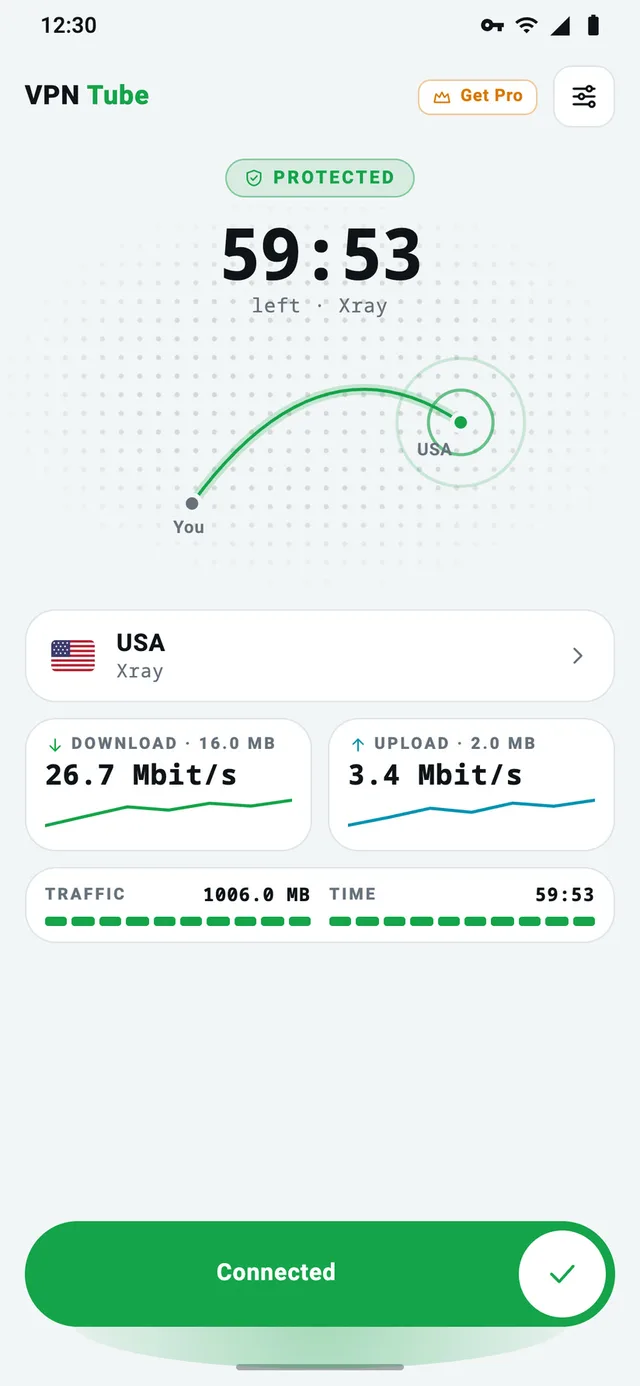
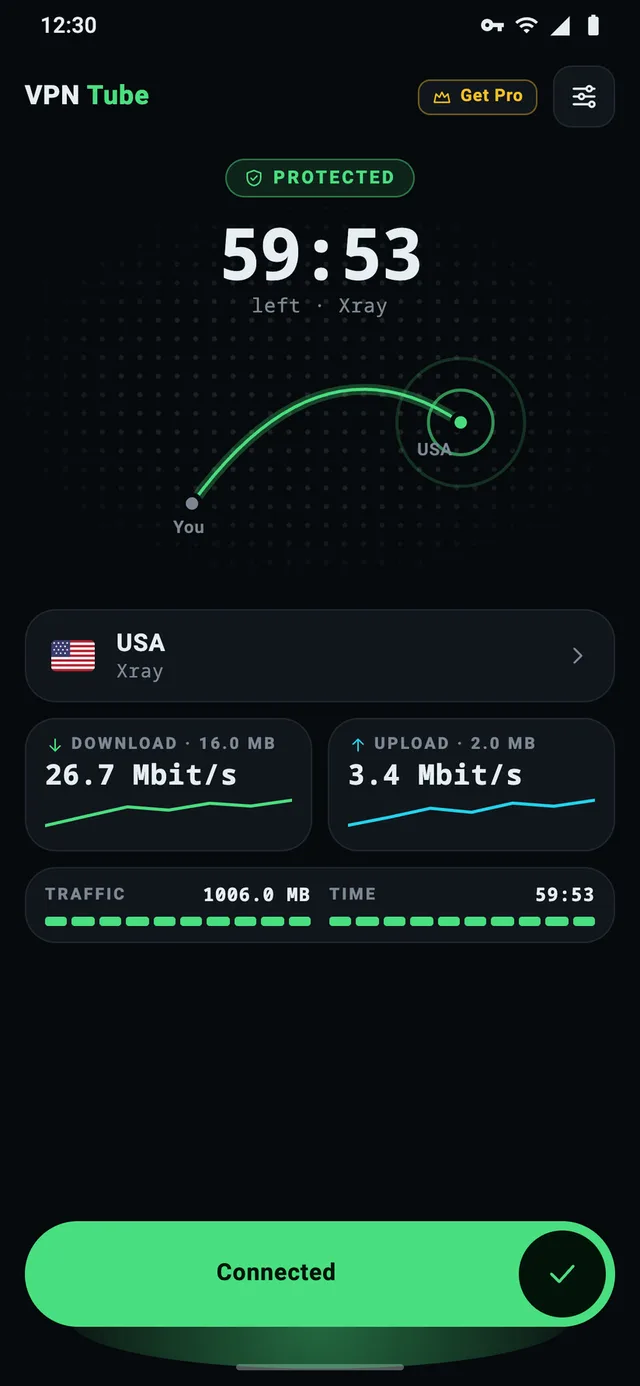
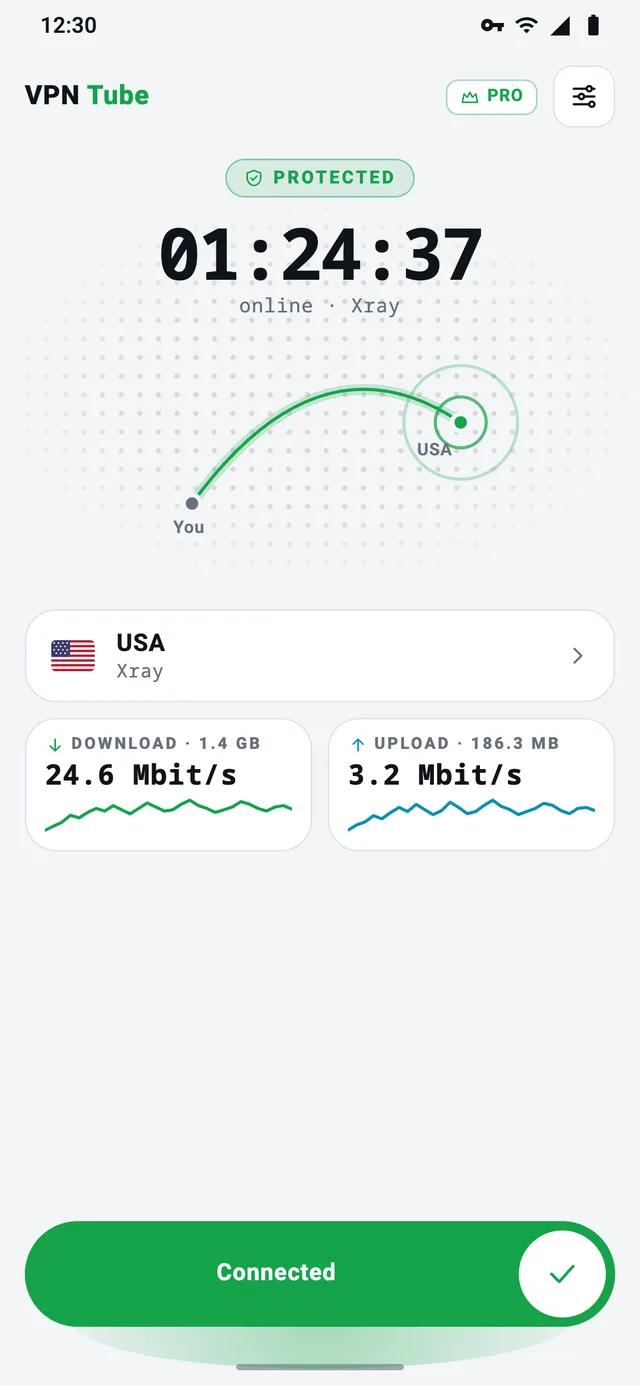
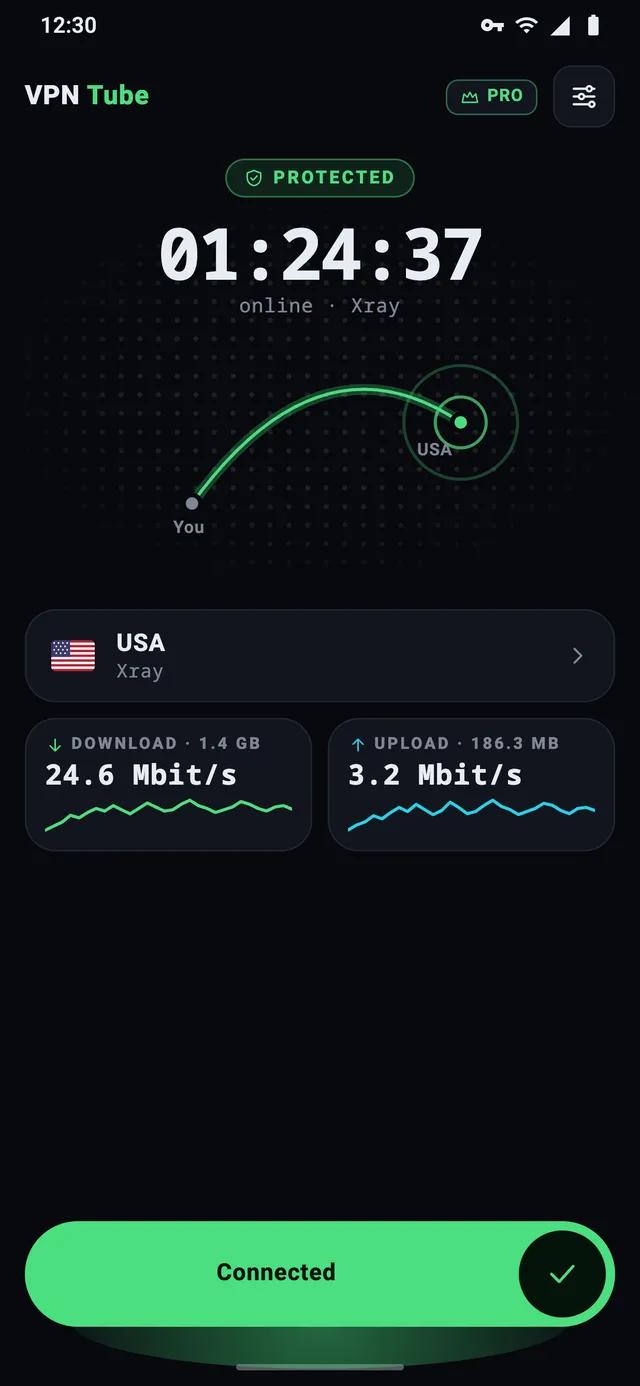
Real app recording · example addresses
VPN Tube in numbers
Google Play data,
- Installs
- 1M+
VPN Tube has over 1M+ installs on Google Play.
- Rating
- 4.2★
Rated 4.2 out of 5 from 36,829 Google Play ratings.
- On Google Play
- 2017
VPN Tube has been on Google Play since 2017.
- Sign-ups
- 0
The free app needs no account, email or phone number.
- PRO devices
- 5
One VPN Tube PRO subscription covers up to 5 Android devices.
- Protocols
- Xray + VPT
Xray-core protocols plus VPT, our own protocol.
Protected in under a minute
No settings, no account. Three steps from install to an encrypted connection.
- 01
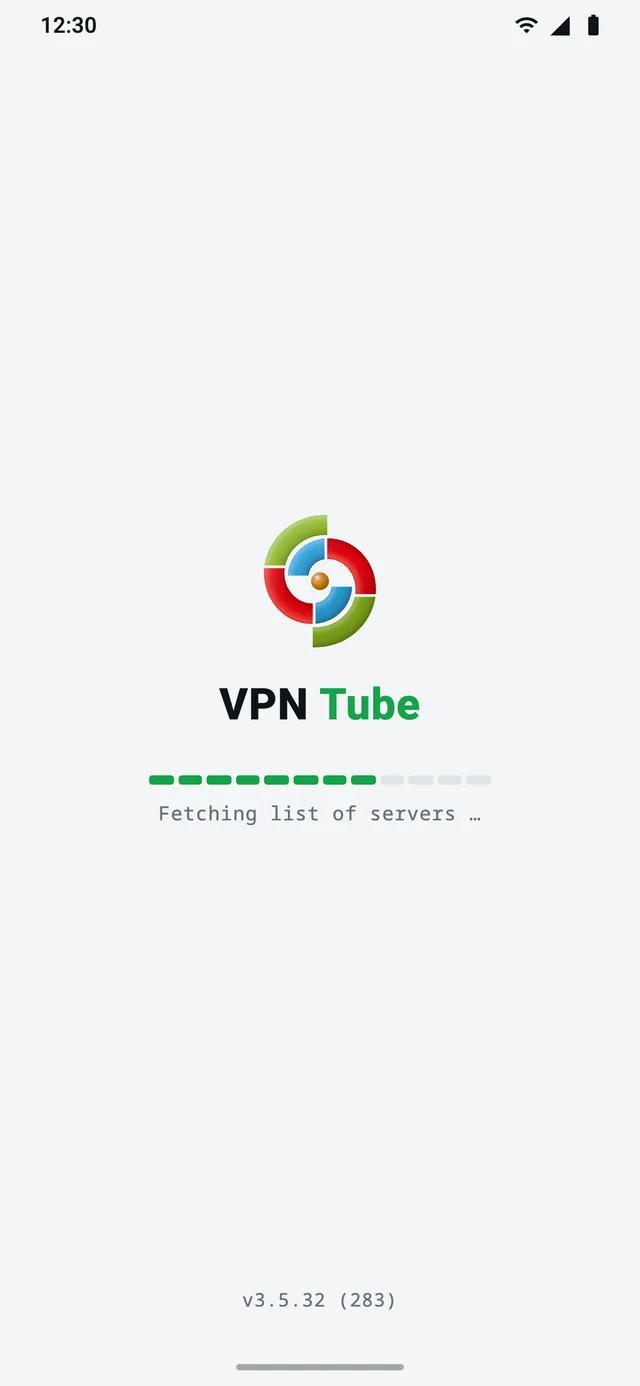
Install VPN Tube from Google Play
It’s free and takes about a minute. No account, no email, no card.
- 02
Slide to connect
Slide the Connect button — or just tap it. VPN Tube picks a server in your chosen country and builds an encrypted tunnel. Android shows a key icon in the status bar while the VPN is on.
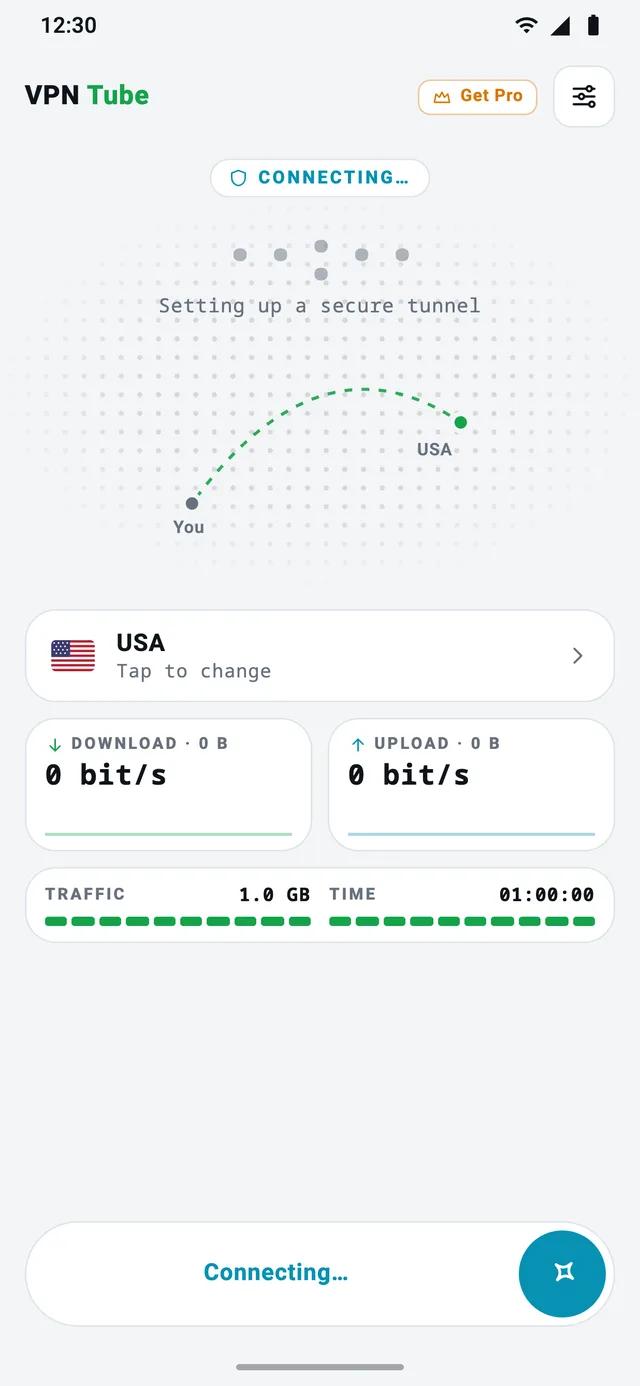
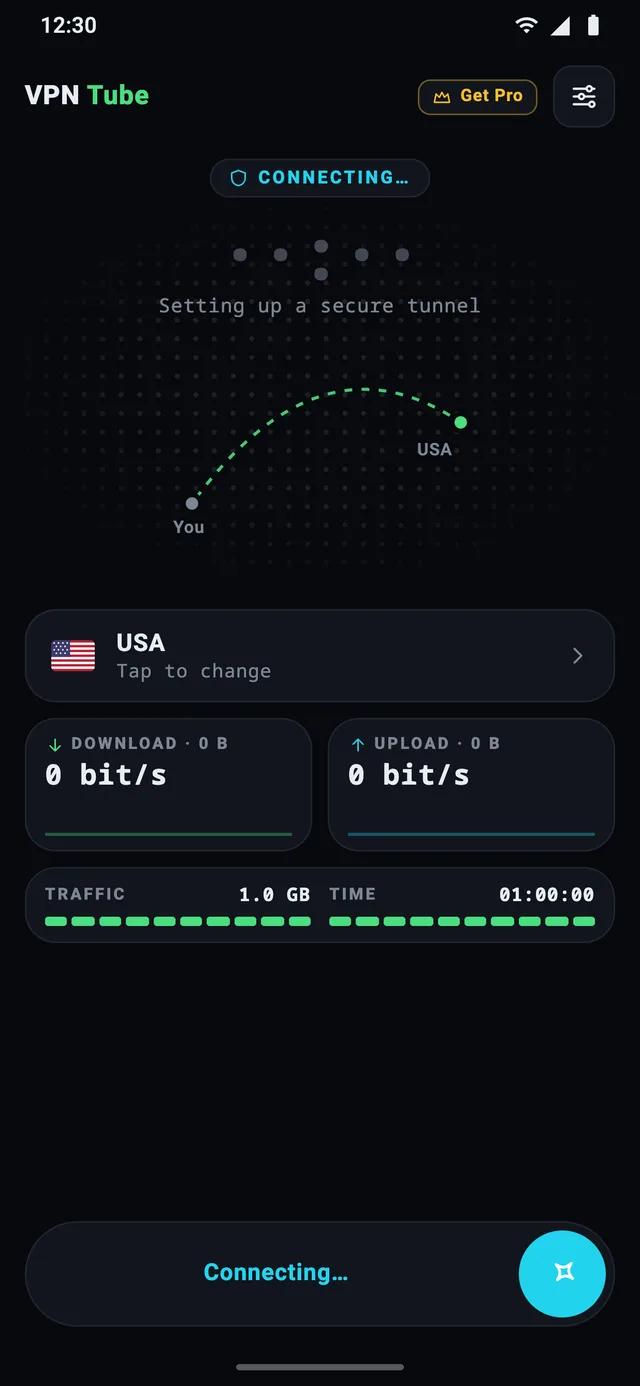
- 03
You’re protected
Your apps and browser now go through the tunnel. On the free plan each connection lasts up to 1 hour or 1 GB — connect again and the count starts over.
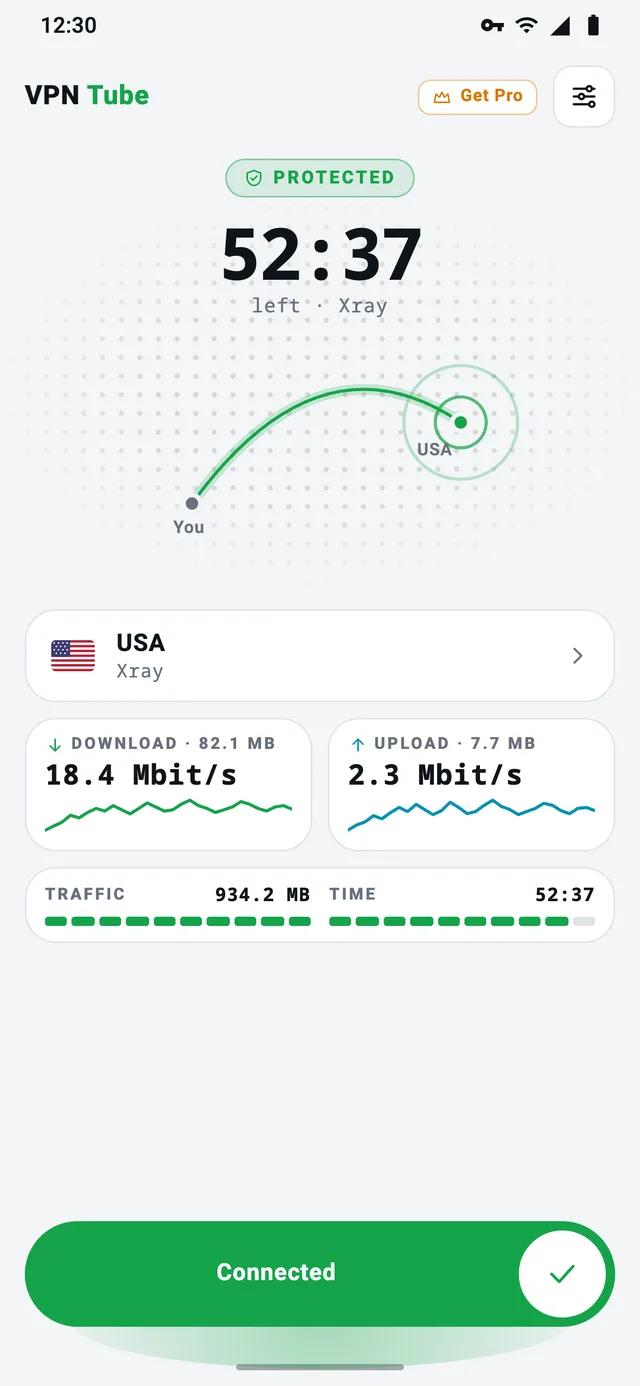
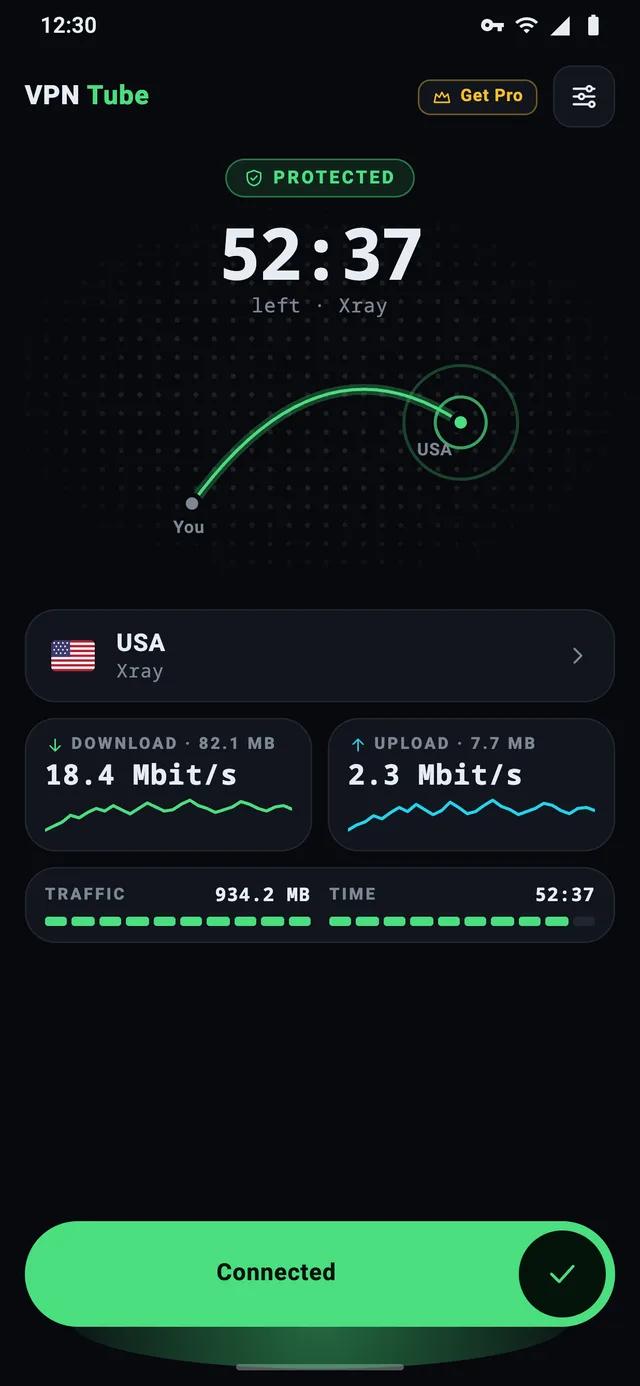
Same café Wi‑Fi. Two very different views.
On a shared network, the hotspot owner — or anyone snooping on it — can watch where your traffic goes.
Without a VPN
The network sees which sites you open and your real IP address.
- DNS lookups often reveal the sites you visit
- Websites and the network see your real IP
- Unencrypted apps and pages can be read
With VPN Tube
The network sees one encrypted stream to a VPN server — nothing more.
- All traffic, DNS included, goes through the tunnel
- Websites see the VPN server’s IP, not yours
- Nothing readable for the hotspot or its neighbours
Honest note: HTTPS already protects the content of most websites. A VPN adds what HTTPS doesn’t hide — which sites you visit and your IP address — and protects apps that don’t encrypt their traffic.
Simple outside. Serious inside.
Everything you need from a VPN on Android — and nothing you have to configure.
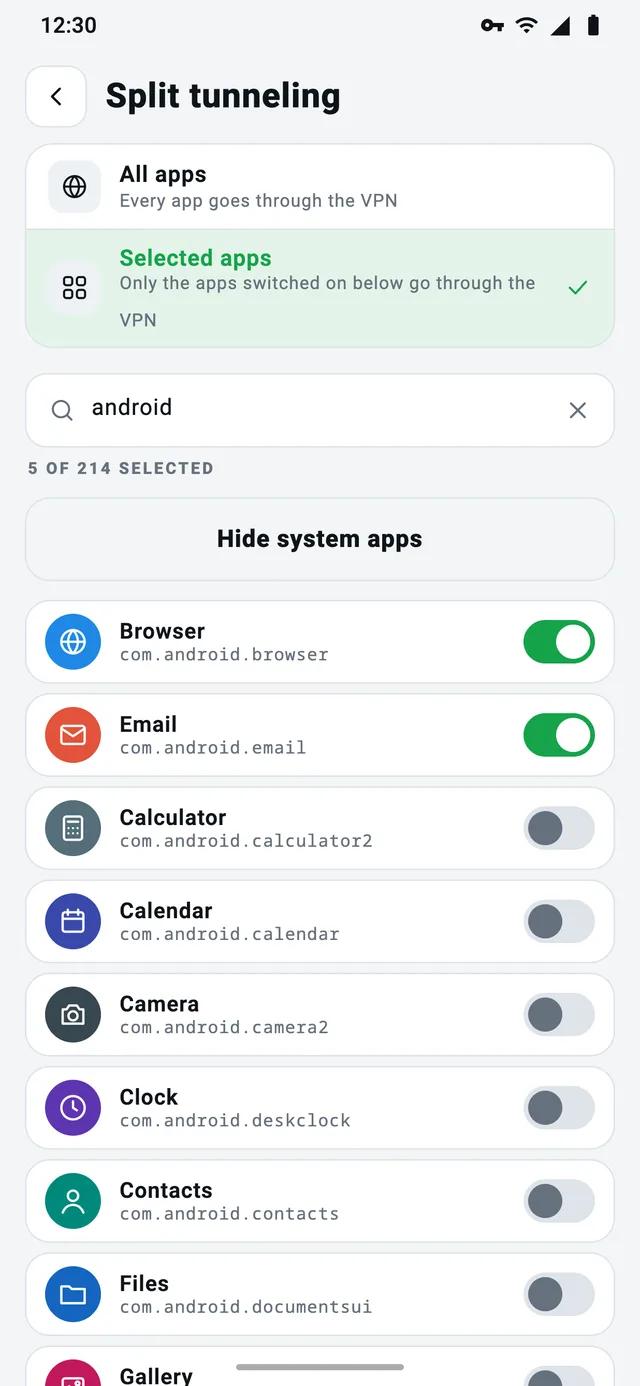
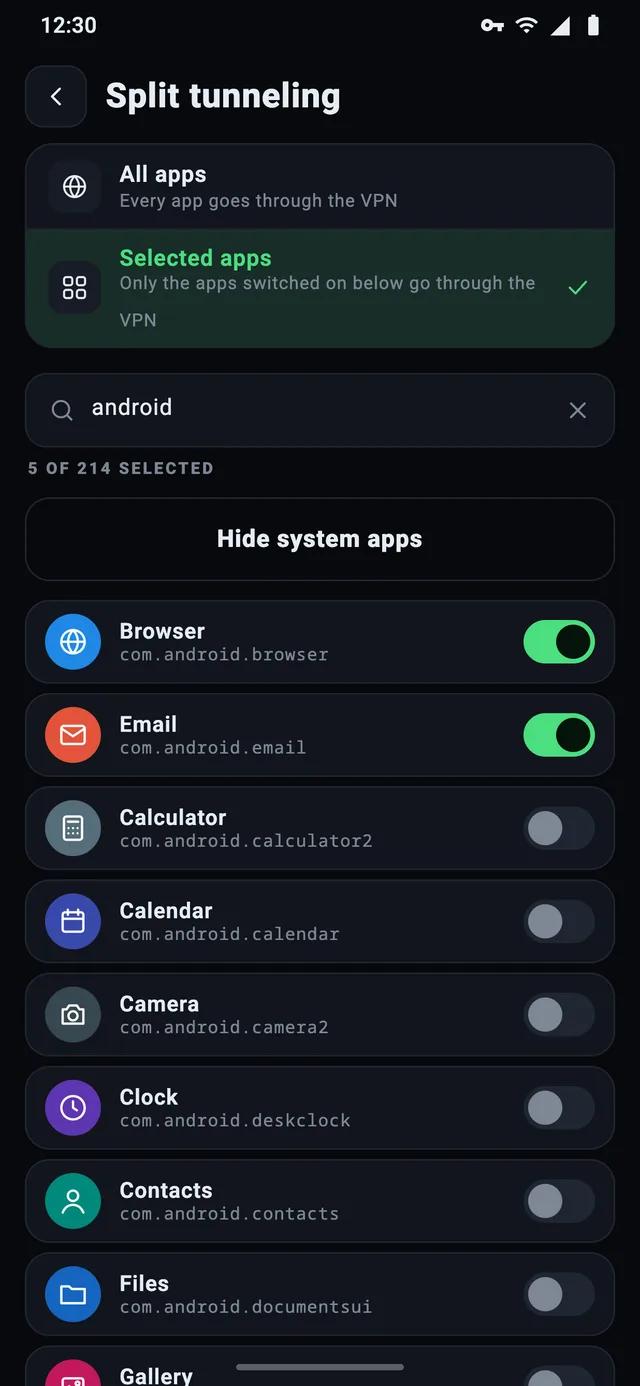
Split tunneling
Choose which apps use the VPN. Keep your banking app or local services on the normal connection while the rest stays encrypted.
Modern protocols
Built on Xray-core protocols plus VPT, our own protocol. Encryption is always on — there’s nothing to set up.
No DNS or IPv6 leaks
Every DNS request and all IPv6 traffic go through the tunnel, so neither your lookups nor your real address slip past the VPN.
No registration
No email, no phone number, no account. Install, slide to connect, done.
No browsing logs
We don’t log the sites you visit or what you do online. PRO has no ad SDK: its Google Play Data safety says no data collected.
One move to connect
Slide the Connect button or just tap it — the server is picked automatically. On the free plan a timer and a traffic bar show how much of the connection is left.
Recovers by itself
Signal lost in the metro, or Wi‑Fi switched to mobile data? The connection pauses and comes back on its own. If a server doesn’t answer, the app switches to TCP.
Pick a country
Choose a country from the list — with search. A server inside it is picked automatically, and switching country while connected reconnects automatically.
NetShield
Blocks ads, trackers and malicious sites for every app on your phone, using our own filtering DNS server built on AdGuard DNS. One switch in Settings.
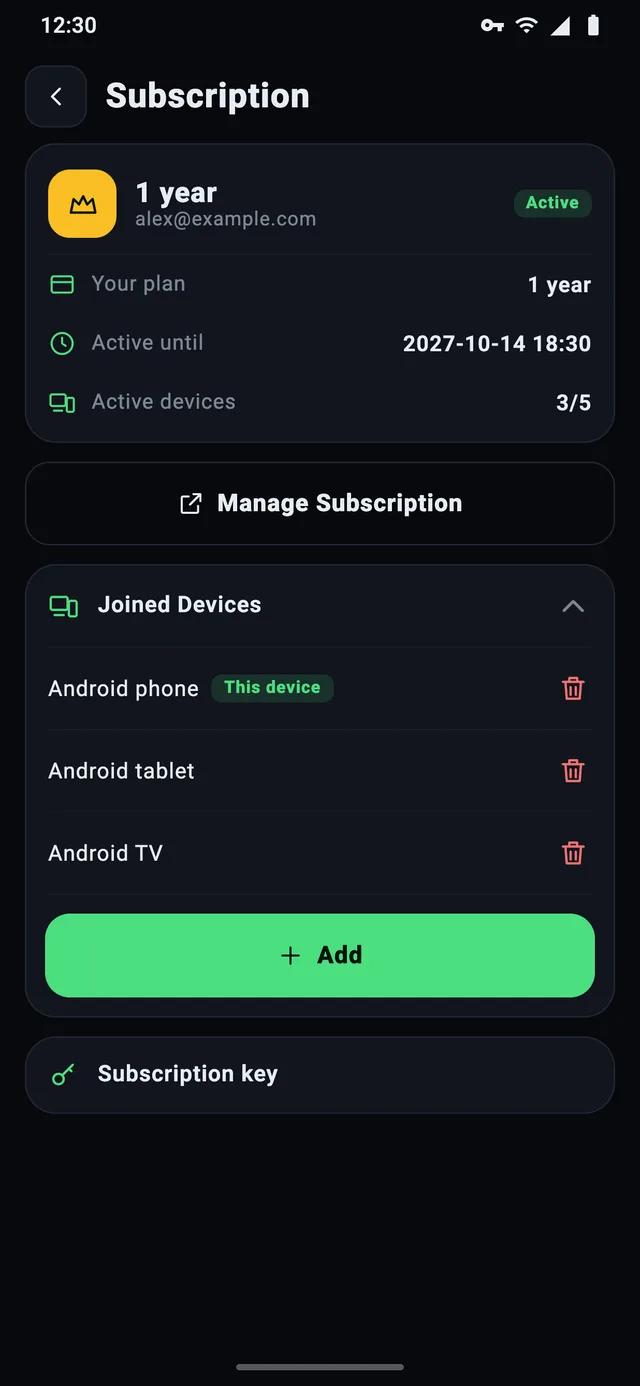
Up to 5 devices
One VPN Tube PRO subscription for your phone, tablet and family. Add a device with a 6-digit code from the owner’s account — no sign-up on the other phone.
Free to start. PRO when you want more.
Two separate apps on Google Play. Same encryption — PRO removes ads and limits and adds NetShield.

VPN Tube
★ 4.2 on Google Play · 36,829 ratings
Supported by ads
- Up to 1 hour or 1 GB per connection — reconnect and it starts over
- Extra time or traffic for watching a short ad
- No registration, no login
- Split tunneling, DNS and IPv6 inside the tunnel
- No browsing logs

VPN Tube PRO
★ 4.1 on Google Play · 500 ratings
$47.99 billed once a year
3-day free trial on both plans · then renews automatically until you cancel
- No ads, no time or traffic limits
- NetShield: blocks ads, trackers and malicious sites
- Up to 5 devices — add them with a code
- No account needed to buy
- No ad SDK inside
| Feature | VPN Tube | PRO |
|---|---|---|
| Price | Free | $4.99/mo or $47.99/yr |
| Free trial | — | 3 days |
| Ads | Yes — they keep it free | None |
| Time and traffic | Up to 1 hour or 1 GB per connection; more for an ad | Unlimited |
| Registration | Not needed — no login | Only for 2+ devices |
| Devices | Any device you install it on | Up to 5, added by code |
| Data collected | Only by the ad SDK | None without an account; email only for 2+ devices |
| NetShield (ads, trackers, malware) | — | Yes |
| Encryption (Xray + VPT) | Yes | Yes |
| DNS and IPv6 inside the tunnel | Yes | Yes |
| Split tunneling | Yes | Yes |
Free or PRO?
Three quick questions.
Question 1 of 3
How often will you use the VPN?
Your data, in plain words
A VPN carries all of your traffic, so you should know exactly what happens to it. Here is the short version.
What VPN Tube doesn’t log
- The websites you visit
- The content of your traffic
- Your DNS requests
- Personal details — the free app has no accounts
Free app: ads, not your history
The free VPN Tube is paid for by ads. The advertising SDK inside it may collect device identifiers to show ads — as described in its Google Play Data safety section. We don’t sell your browsing history: we don’t have it.
PRO: no ads, no ad SDK
VPN Tube PRO has no ads and no advertising SDK, and its Google Play Data safety section says no data collected. If you create an account to use several devices, we keep only your account details (email) and your list of devices.
Who makes VPN Tube
VPN Tube is developed by ITehno SP and has been on Google Play since 2017. There are two apps: the free VPN Tube and the paid VPN Tube PRO. Both are Android-only.
Read the full privacy policyWhat people write on Google Play
Rated 4.2 out of 5 from 36,829 ratings. Real reviews, quoted as published (long ones shortened).
“I've been using it for months. Works every time. It didn't fail once! It's free so I don't mind some ads. … I've tried many free VPNs this one is hands down the best.”
“working great. developers are fixing any problems fast.”
“A wonderful app, I really like it, it opens very easily.”
Reviews are shown in their original language, names shortened.
Learn the essentials
Short, practical guides about VPNs on Android — no jargon.
How to set up and turn on a VPN on Android
Step-by-step: install a VPN app on Android, allow the connection, check that it works and turn it off — plus the system VPN settings on Samsung and other phones.
Read · 5 min readSplit tunneling on Android: what it is and when to use it
Split tunneling lets you choose which Android apps use the VPN. Learn when it helps — banking apps, local devices, speed — and how to set it up in VPN Tube.
Read · 5 min readIs a free VPN safe? How to check before you install
How free VPN apps make money, the red flags to watch for, a 6-point checklist for Google Play — and an honest look at how the free VPN Tube works.
Read · 6 min readQuestions, answered
The short answers people look for before installing.
Is VPN Tube really free?
Yes. VPN Tube is free to download and use, and it’s supported by ads. Each connection lasts up to 1 hour or 1 GB; when it ends, connect again and the count starts over. You can also watch a short ad for extra time or traffic. If you’d rather have no ads and no limits, there’s VPN Tube PRO.
Do I need to register?
No. The free VPN Tube has no accounts at all — no login, email or phone number: install it and slide to connect. VPN Tube PRO doesn’t need an account either if you use it on one device: you subscribe through Google Play. An account is only needed to use one subscription on several devices (up to 5).
What’s the difference between VPN Tube and VPN Tube PRO?
They are two separate apps with the same encryption. VPN Tube is free and ad-supported: each connection lasts up to 1 hour or 1 GB — connect again to start over, or watch a short ad for extra time or traffic. VPN Tube PRO is a subscription ($4.99 a month or $47.99 a year, the first 3 days free) with no ads or limits, NetShield, up to 5 devices, and no data collected according to its Google Play Data safety section. See the comparison table.
Is there a free trial of VPN Tube PRO?
Yes. Both the monthly and the yearly plan start with a 3-day free trial through Google Play. If you cancel before it ends, you won’t be charged. If you don’t cancel, the plan’s price ($4.99 a month or $47.99 a year) is charged when the trial ends, and the subscription renews automatically until you cancel it.
Does VPN Tube keep logs?
VPN Tube doesn’t log the websites you visit, the content of your traffic or your DNS requests. The free app contains an advertising SDK that may collect device identifiers to show ads. VPN Tube PRO has no ads and no ad SDK; its Google Play Data safety section says no data is collected. Details are in the privacy policy.
Is a free VPN safe?
A free VPN is as safe as its business model. VPN Tube Free is paid for by ads — not by selling browsing history, which we don’t keep. Install VPN apps only from Google Play, avoid modified “PRO” APKs from download sites, and check the Data safety section. More in our guide Is a free VPN safe?
Is VPN Tube available for iPhone, Windows or Mac?
No. VPN Tube and VPN Tube PRO are Android-only: phones and tablets with Android 7.0 or newer. Apps called “VPN Tube” on other platforms or download sites are not ours — install only from Google Play.
Which protocols does VPN Tube use?
VPN Tube uses protocols from Xray-core and VPT, our own protocol. The app picks the settings automatically, so there’s nothing to configure.
How do I cancel VPN Tube PRO?
In the app: Subscription → Manage Subscription. Or in Google Play: tap your profile picture → Payments & subscriptions → Subscriptions → VPN Tube PRO → Cancel subscription. PRO keeps working until the end of the paid period; deleting the app doesn’t cancel it. Subscriptions paid on the website (Stripe) are managed at my.vpn-tube.com.
Encrypt your connection in one tap
Free on Google Play, no account needed. Upgrade to PRO whenever you want no ads.