Free VPN for Android without registration

Limits per connection, not per day
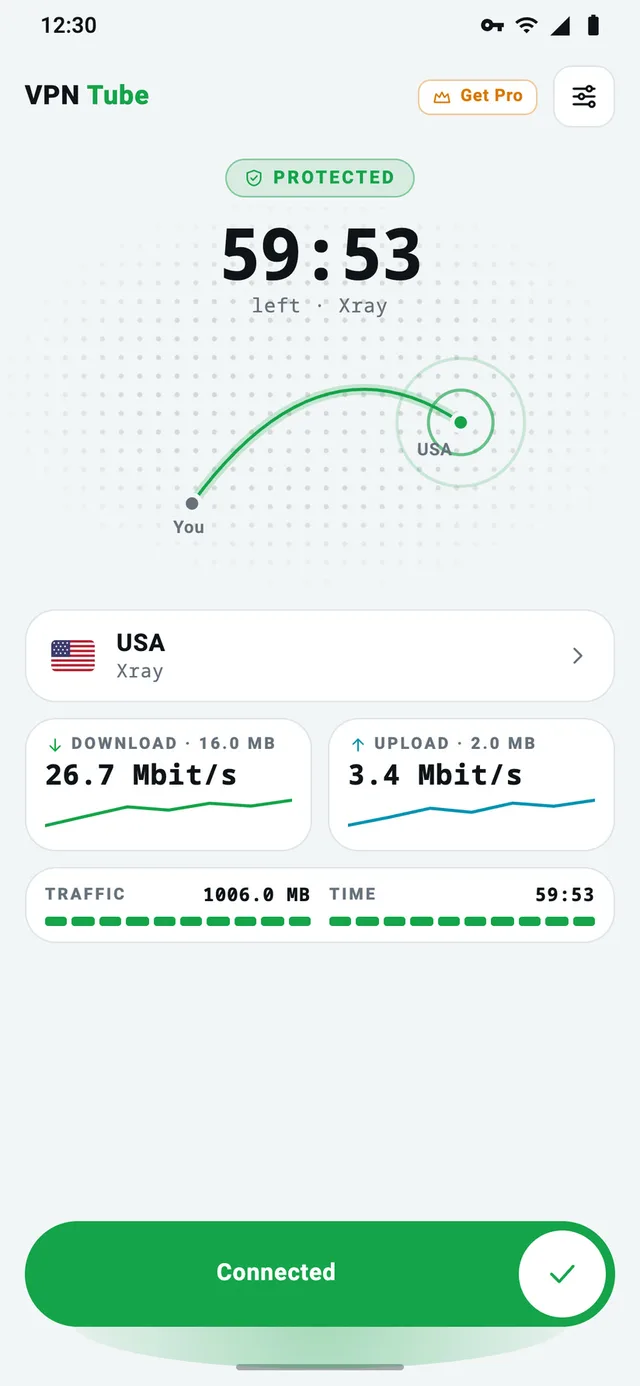
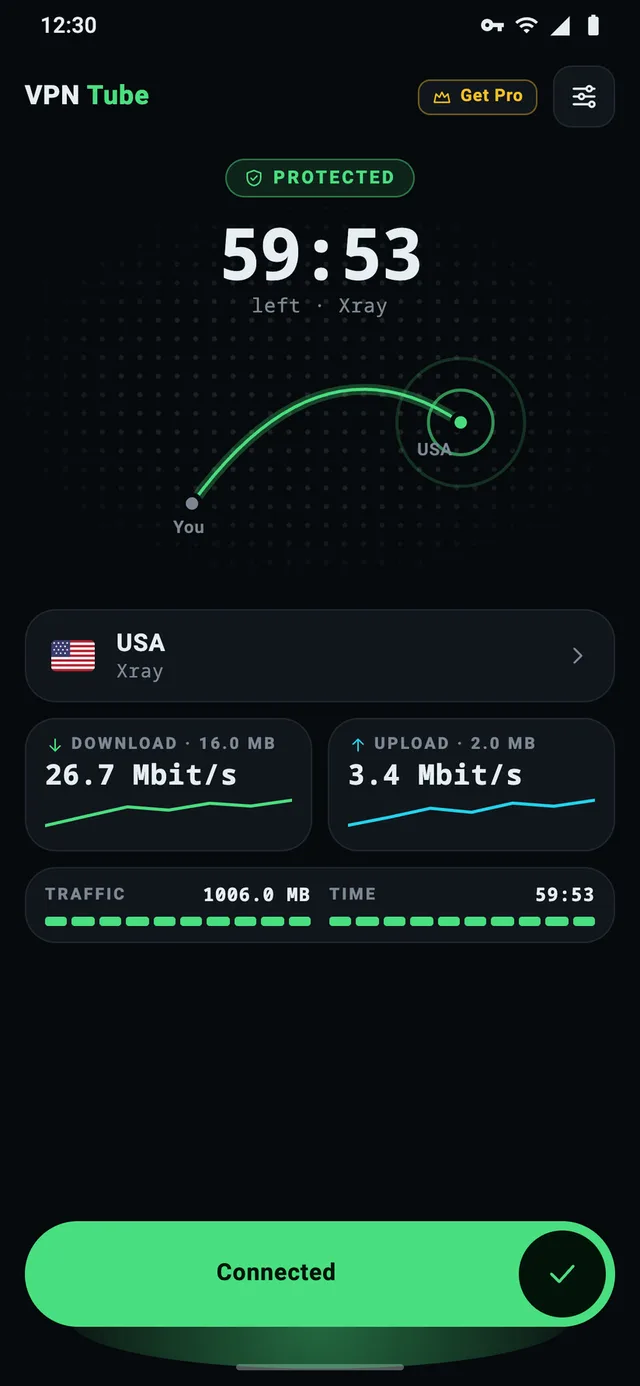
The free VPN Tube is paid for by ads. Each connection lasts up to 60 minutes or 1 GB, whichever comes first — it’s not a daily limit.
Up to 60 min or 1 GB
A big timer and the Traffic / Time card show exactly how much of the connection is left. Before the time runs out you hear a short countdown.
Extra time for an ad
Tap +min or +MB above the Connect button and watch a short ad. The bonus isn’t lost when you disconnect — it’s used until it runs out.
Not a daily limit
When a connection ends, just connect again — the count starts over.
The same encryption as PRO
Full encryption
Xray-core protocols and our own VPT protocol — the same as in PRO.
DNS and IPv6 inside the tunnel
Your DNS lookups and IPv6 traffic don’t leak to the Wi‑Fi or mobile network.
Split tunneling
All apps through the VPN, or only the ones you select. Home devices like printers and TVs keep working.
No registration
No email, phone number or account. Nothing to sign up for.
No browsing logs
We don’t log the sites you visit. Only the ad SDK collects device data for ads.
One button
One button to connect and disconnect — the server is chosen automatically.
When PRO makes sense
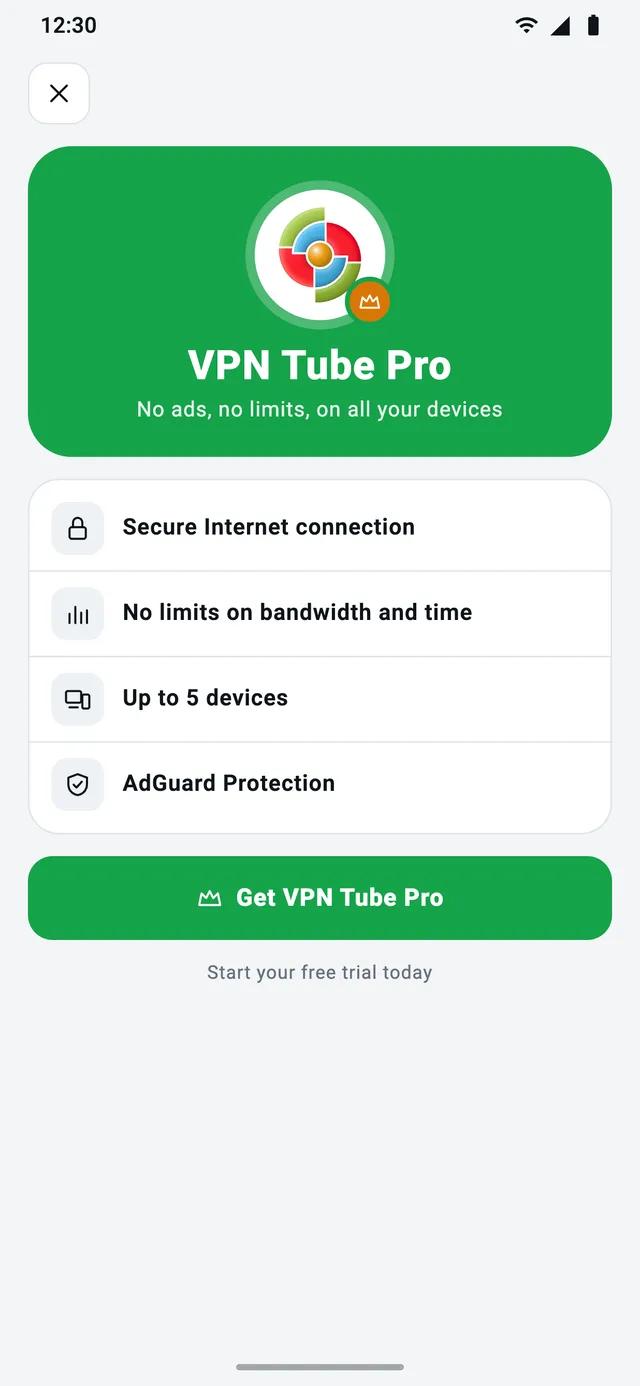
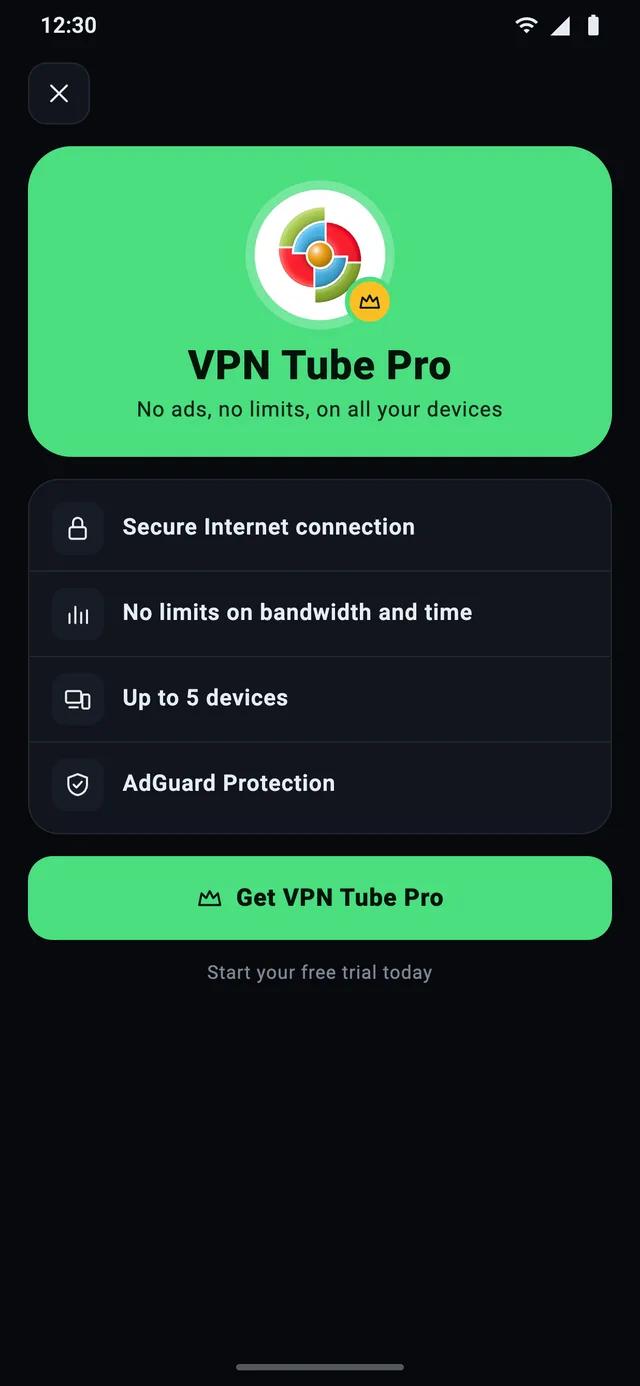
If you use a VPN for hours every day, don’t want ads or need it on several devices, VPN Tube PRO removes the limits and the ads — and adds NetShield. The first 3 days are free.
| Feature | VPN Tube | PRO |
|---|---|---|
| Price | Free | $4.99/mo or $47.99/yr |
| Free trial | — | 3 days |
| Ads | Yes — they keep it free | None |
| Time and traffic | Up to 1 hour or 1 GB per connection; more for an ad | Unlimited |
| Registration | Not needed — no login | Only for 2+ devices |
| Devices | Any device you install it on | Up to 5, added by code |
| Data collected | Only by the ad SDK | None without an account; email only for 2+ devices |
| NetShield (ads, trackers, malware) | — | Yes |
| Encryption (Xray + VPT) | Yes | Yes |
| DNS and IPv6 inside the tunnel | Yes | Yes |
| Split tunneling | Yes | Yes |
Questions, answered
The short answers people look for before installing.
Is VPN Tube really free?
Yes. VPN Tube is free to download and use, and it’s supported by ads. Each connection lasts up to 1 hour or 1 GB; when it ends, connect again and the count starts over. You can also watch a short ad for extra time or traffic. If you’d rather have no ads and no limits, there’s VPN Tube PRO.
Why does the free version show ads?
Servers and traffic cost money. Ads pay for them, so the free VPN Tube can stay free without asking for your data or a card. Watching a short ad also gets you extra time or traffic; VPN Tube PRO has no ads at all.
Do I need to register?
No. The free VPN Tube has no accounts at all — no login, email or phone number: install it and slide to connect. VPN Tube PRO doesn’t need an account either if you use it on one device: you subscribe through Google Play. An account is only needed to use one subscription on several devices (up to 5).
Is a free VPN safe?
A free VPN is as safe as its business model. VPN Tube Free is paid for by ads — not by selling browsing history, which we don’t keep. Install VPN apps only from Google Play, avoid modified “PRO” APKs from download sites, and check the Data safety section. More in our guide Is a free VPN safe?
Does VPN Tube keep logs?
VPN Tube doesn’t log the websites you visit, the content of your traffic or your DNS requests. The free app contains an advertising SDK that may collect device identifiers to show ads. VPN Tube PRO has no ads and no ad SDK; its Google Play Data safety section says no data is collected. Details are in the privacy policy.
How many devices can I use?
You can install the free VPN Tube on any number of Android devices; each works on its own, with no account. One VPN Tube PRO subscription covers up to 5 devices: the owner, signed in to a VPN Tube PRO account, taps Add in Subscription to get a 6-digit code, and the other device enters it under Join Device — no sign-up needed there. Family members can use it too.
Learn the essentials
Short, practical guides about VPNs on Android — no jargon.
How to set up and turn on a VPN on Android
Step-by-step: install a VPN app on Android, allow the connection, check that it works and turn it off — plus the system VPN settings on Samsung and other phones.
Read · 5 min readSplit tunneling on Android: what it is and when to use it
Split tunneling lets you choose which Android apps use the VPN. Learn when it helps — banking apps, local devices, speed — and how to set it up in VPN Tube.
Read · 5 min readIs a free VPN safe? How to check before you install
How free VPN apps make money, the red flags to watch for, a 6-point checklist for Google Play — and an honest look at how the free VPN Tube works.
Read · 6 min readEncrypt your connection in one tap
Free on Google Play, no account needed. Upgrade to PRO whenever you want no ads.